
Your games have something to teach you
Turn a finished game into your next lesson.
Open your Field Notes, revisit a moment from a game and decide what you want to practise next.
Open my Field NotesYour own game history appears here. No games yet? Play in Rookie or connect an account in Settings.
“Start with one moment. What did you notice then, and what do you notice now?”
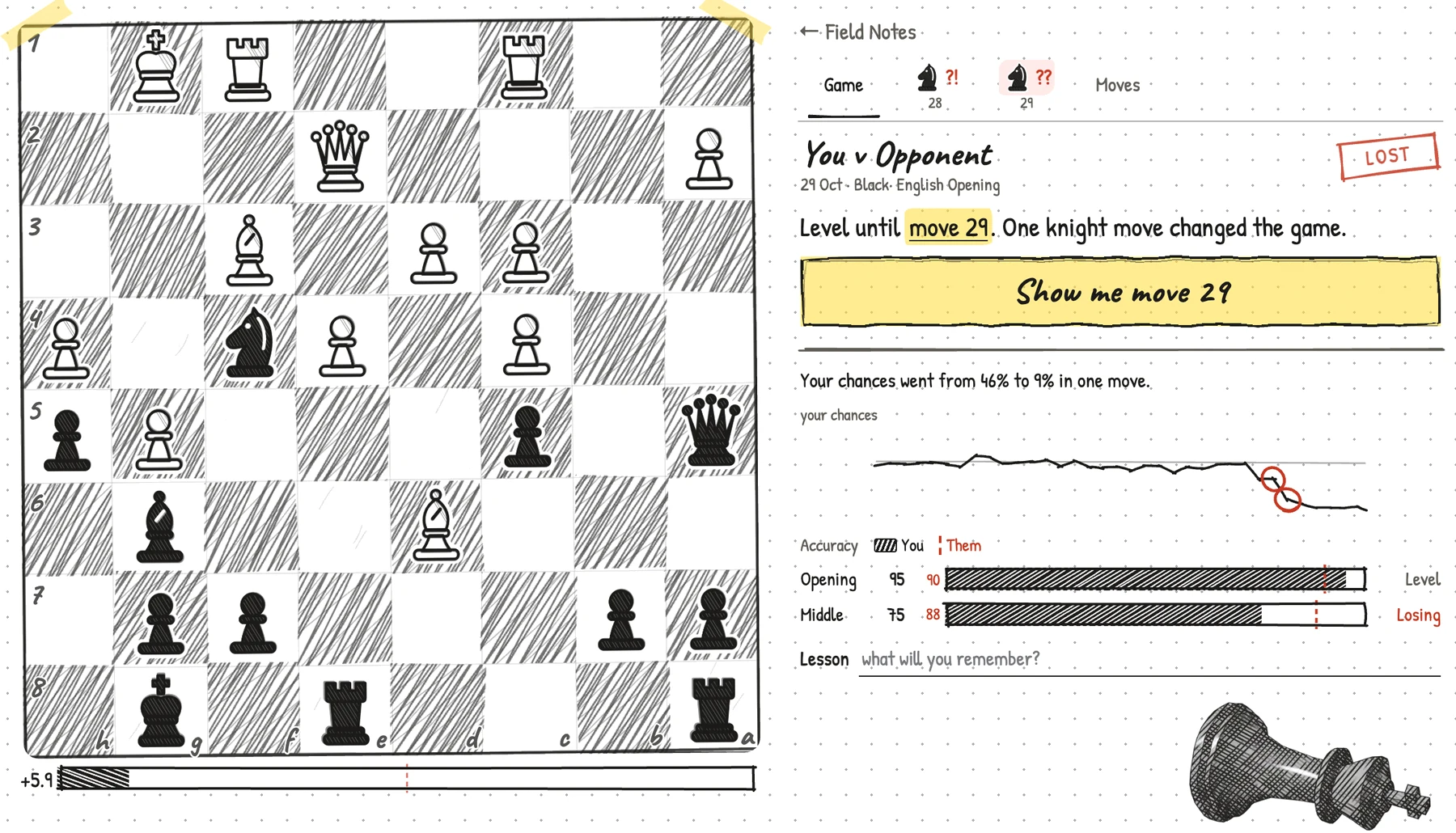
Bring a finished game
Games played in Rookie have a place in Field Notes. You can also connect a Chess.com or Lichess account in Settings to import games. Account connection and analysis availability are shown there; analysis may need time to finish.
Look at the position, not just the result
Open a game and inspect the moments highlighted by its available analysis. Replay the moves around a moment and consider what each player could do. An engine evaluation is a description of a position, not a score for how much you have learned.
Choose one thing to practise
When a reviewed moment has an available practice link, follow it into Learn. Otherwise, continue with your learning path. For example, a fork means one piece attacks two or more opposing targets at once; whether it wins anything depends on the replies. Learn the idea, then check it on a fresh board.
What if my Field Notes are empty?
Play a game in Rookie, or open Settings to connect an existing chess account. You can begin normal lessons while your game history or analysis becomes available. An empty notebook does not prevent you from learning.
Open account settings →Try it on the board.
Open my Field NotesYour own game history appears here. No games yet? Play in Rookie or connect an account in Settings.